Hoq for shops and online stores
A store on your own domain, sales from every channel in one place, stock counted per size and color, and orders picked, packed and shipped with labels from your own carrier account. Each part is its own app, so you can start with one and link the rest later.
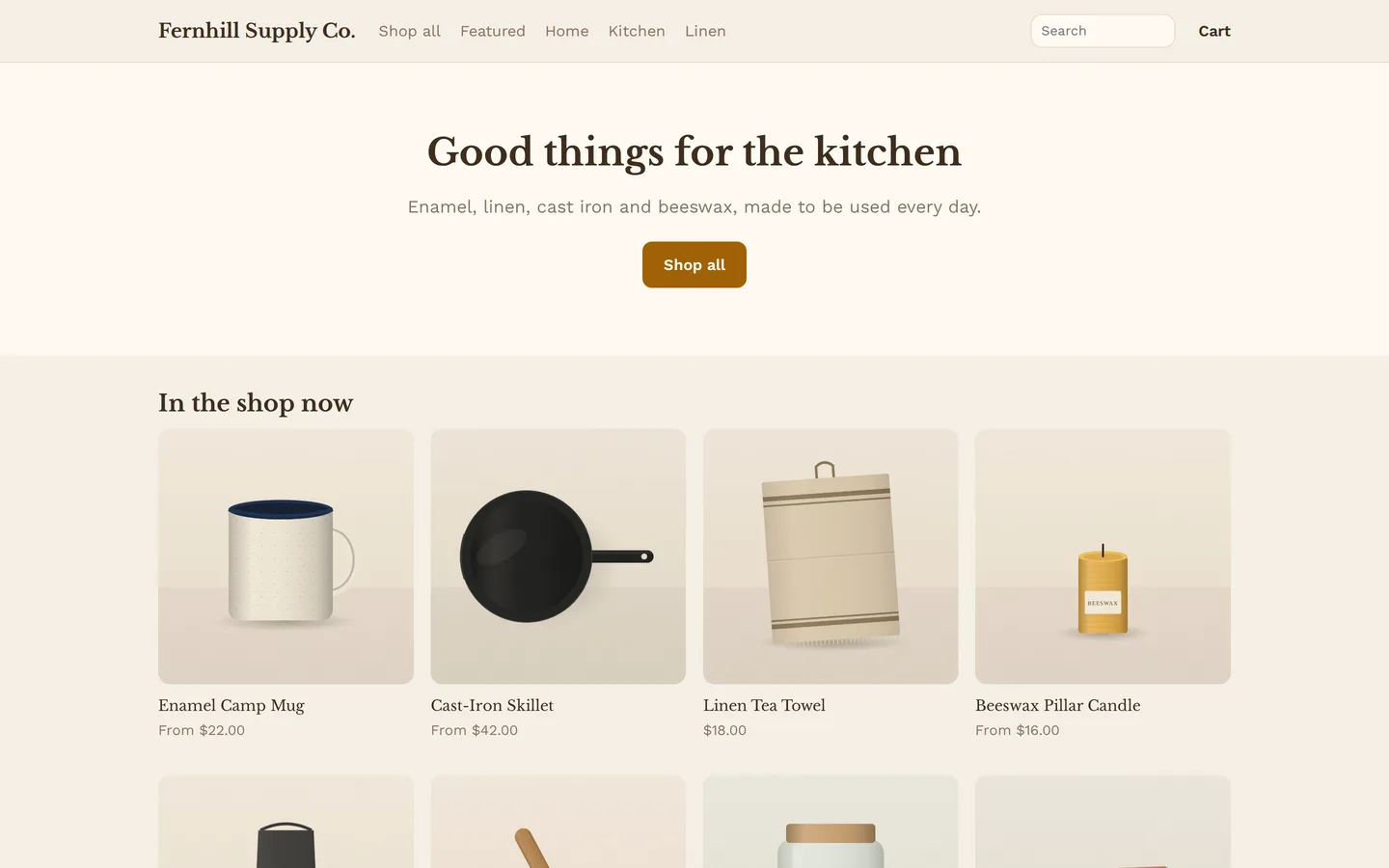
A day in the shop
Each part of the day, and the app that handles it.
Overnight orders
Orders from your Hoq Shop store, Shopify, WooCommerce, Square, Amazon and eBay land in one sales ledger, in your own time zone. Each order is counted once, however many times the channel sends it.
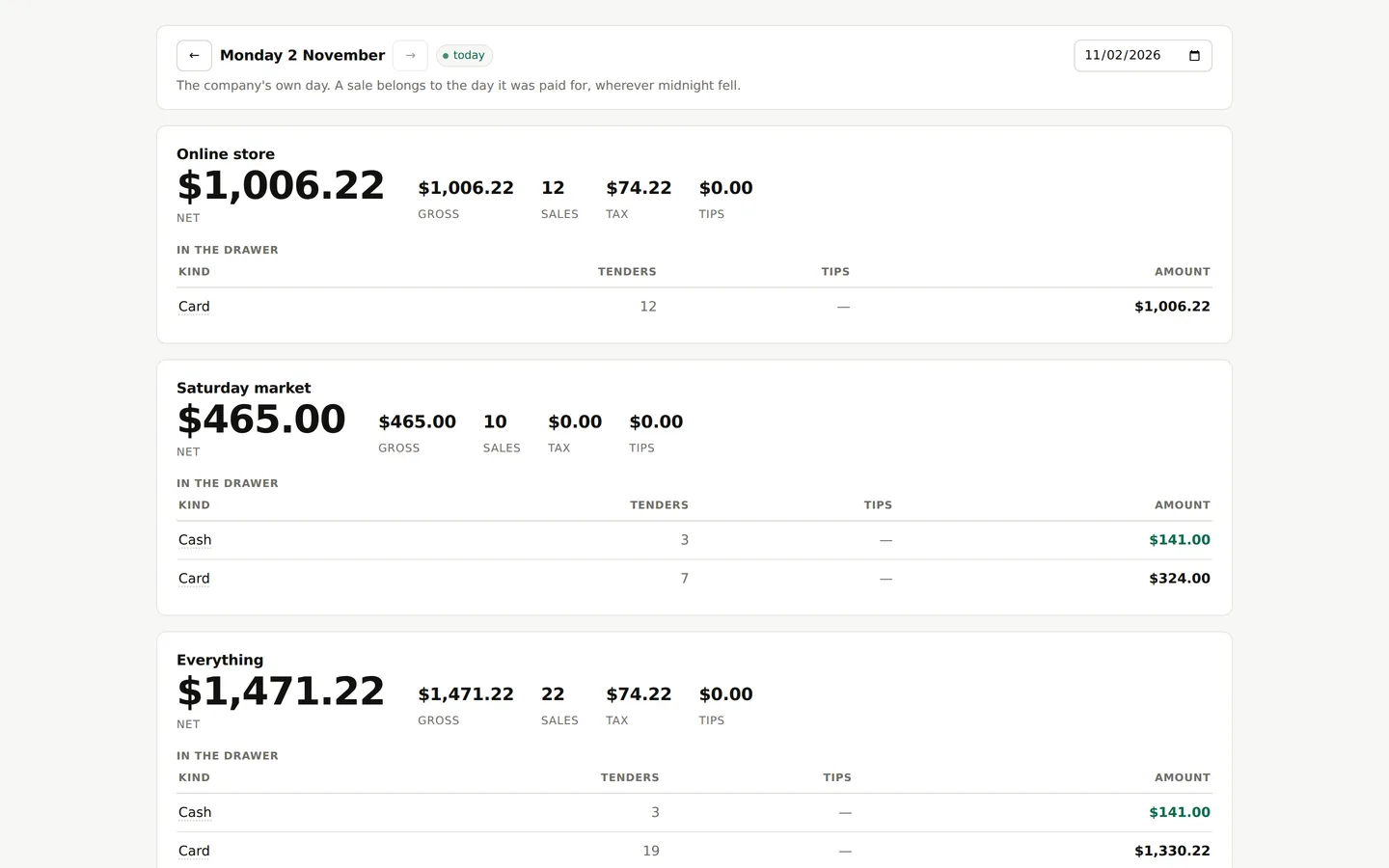
One day's sales in Hoq Commerce, split between the online store and a market stall's till, with cash and card counted apart. Pick and pack
Group the morning's orders into a batch and print a pick list in the order you walk the shelves. At the packing bench, scan the order and then each item. A wrong item, or one too many, is refused.
Labels
See each carrier's price and delivery time, cheapest first, and buy the label through your own EasyPost account. Pressing buy twice gives you the same label, not a second charge. Tracking goes back to the store, which emails the customer.
Stock
Each size or color is its own item with its own count and cost. For each place you sell, choose to leave it alone, watch it, or mirror it: watching reports where the counts differ, mirroring puts them right. Amazon, Faire, Square, WooCommerce and Hoq Shop are supported.
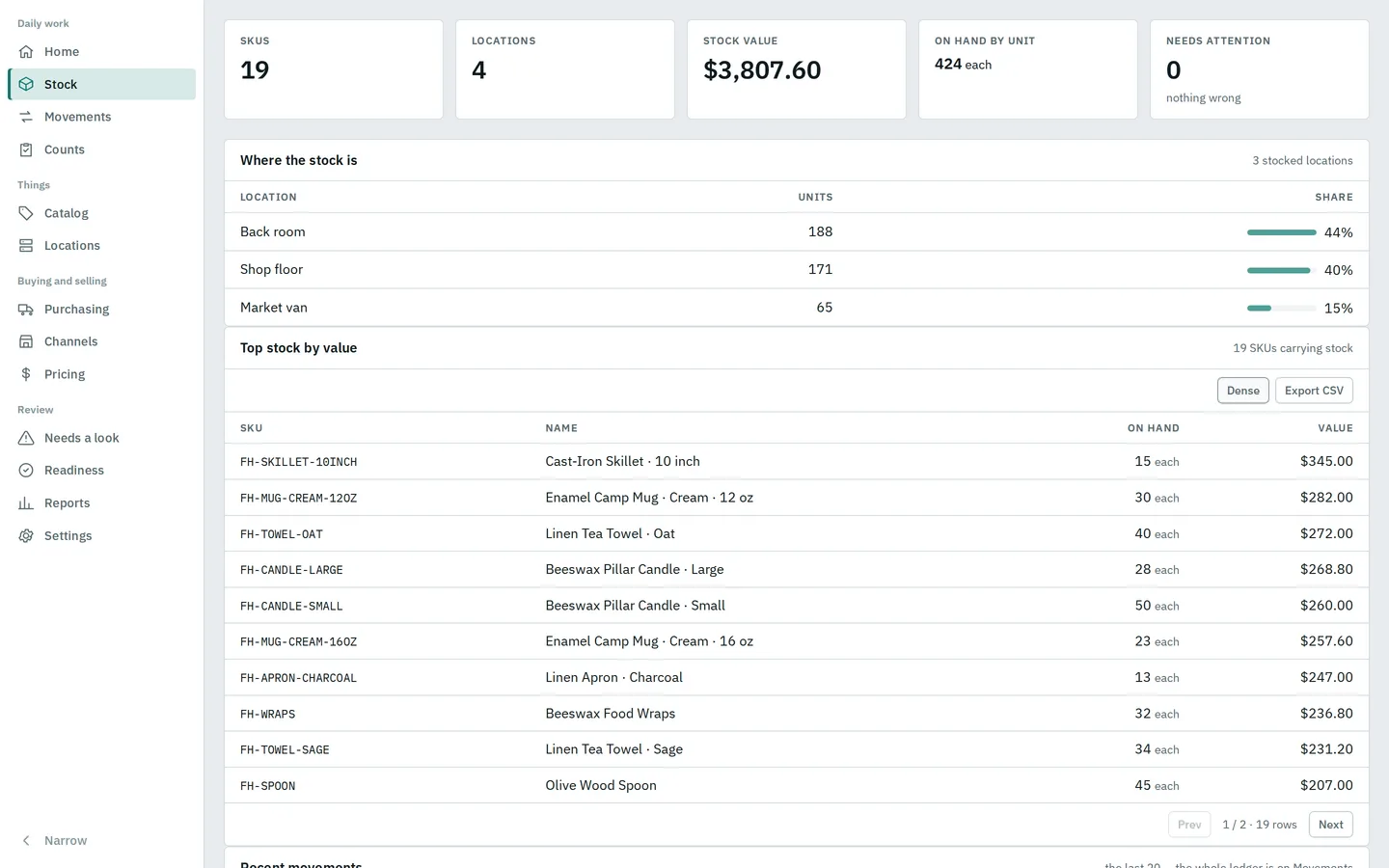
Stock on hand across a back room, the shop floor and a market van, with the items holding the most value. A new product
Add it with up to three options, such as size and color, and a variant for each mix with its own price, SKU and stock. You can also bring a catalog in from a spreadsheet or move a whole WooCommerce store over.
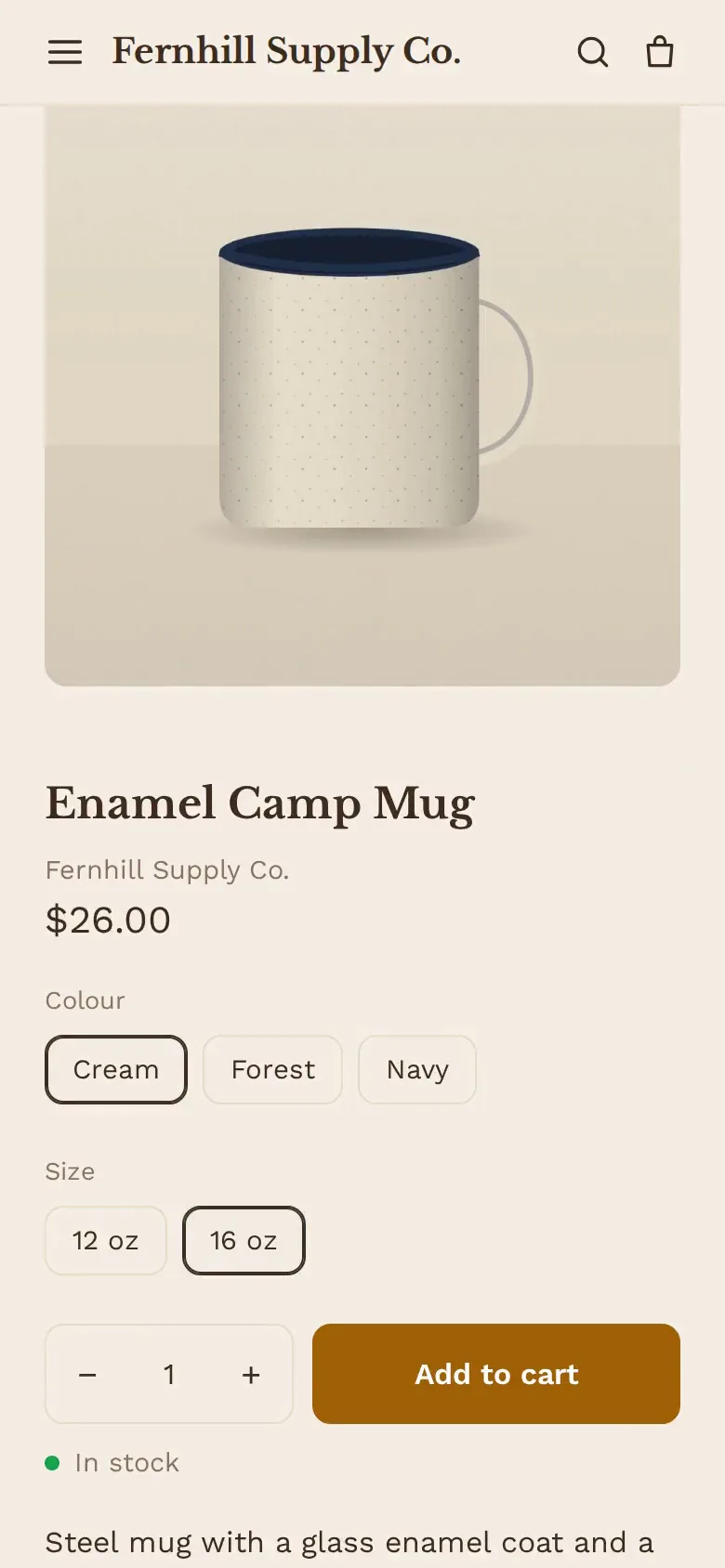
A shopper picks a color and a size on a phone and adds the mug to the cart. Checkout
Shoppers pay by card on your own Stripe or Square account, connected through Hoq Funds. Hoq adds no fee and never holds the money. Someone who leaves a full cart gets a reminder email with a link that brings the cart back.
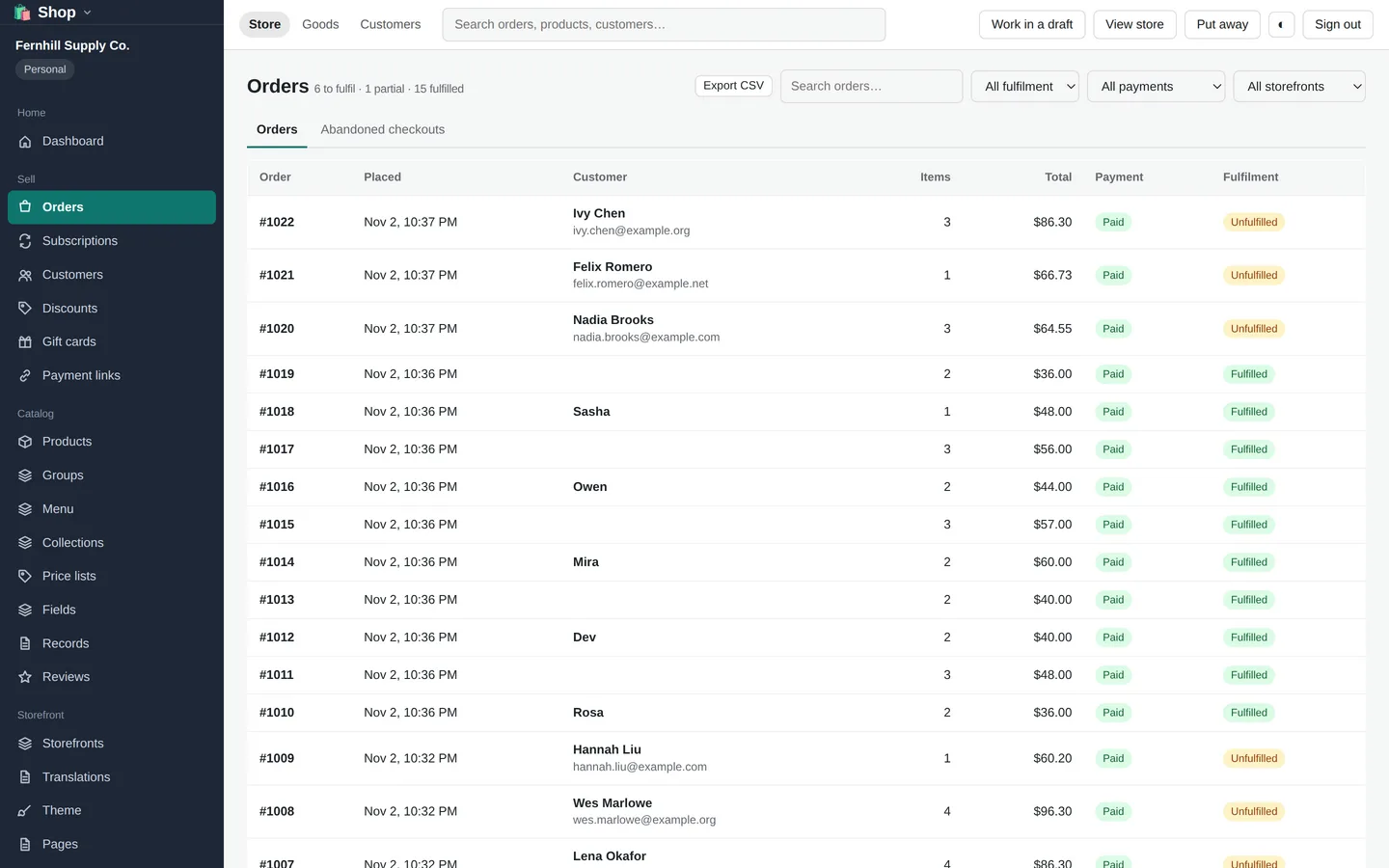
Paid orders in the Shop console, with what is still to be shipped. A return
Refund the lines that came back, or just the shipping. The refund is recorded on the day you gave it, so a day you already counted stays the same.
End of day
Logistics lists the labels waiting for each carrier and makes the USPS SCAN form. Commerce shows the day's takings by channel and shop, and what sold.
More than one storefront
Run several storefronts from one store, each with its own domain, theme and language, and price lists in other currencies.
The apps on this page
Each app works on its own. To link two, open one and pick the other from a list.
- Hoq Shop LiveA store of your own, kept as one file in your drive.
- Hoq Commerce LiveEvery sales channel in one ledger, counted once, in your time zone.
- Hoq Inventory LiveStock, costing and counts for every warehouse and bin you have.
- Hoq Logistics LiveOrders in, picked by scan, labels bought and printed, tracking sent back.
- Hoq Funds LiveGift cards, store credit and your payment accounts, shared by every till.